

WHATSAPP FOR DEVELOPERS
SyncMate WhatsApp API for Developers
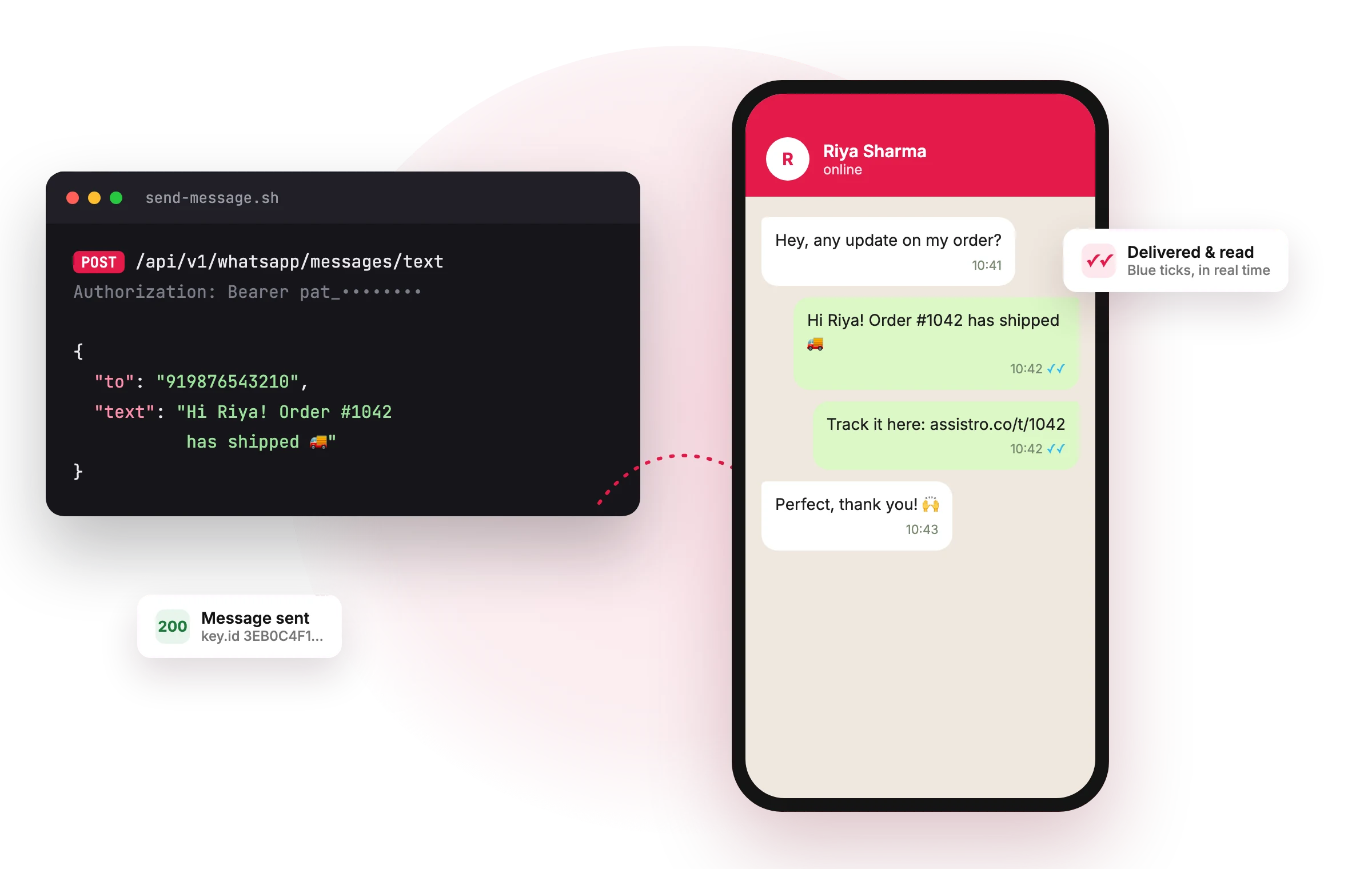
Send messages, manage chats, groups, profile and privacy for your connected WhatsApp number with one REST API. One base URL, one bearer token, JSON in and out. This is SyncMate's own API, separate from Meta's WhatsApp Cloud API: you call SyncMate, and it sends through the number you've connected.
Base URL: https://app.assistro.co/api/v1/whatsapp
DEVELOPER RESOURCES
Everything you need to build
Try every endpoint in Postman, mock responses before you go live, and follow the guides when you wire it into your app.
POSTMAN
Postman collection
All endpoints with ready-made request bodies and saved example responses. Unzip, then in Postman choose Import, set auth_token and send.
Download collection (.zip) →MOCK
Mock it before you go live
Every request has a saved example, so Postman can create a mock server from the collection. Build and test your integration without sending a single message.
How to create a mock server →GUIDE
Developer guide
Step-by-step setup: connect your number, create an API token and send your first message.
Read the developer guide →GUIDE
User guides
How SyncMate works end to end: numbers, plans, integrations, shared inbox and more.
Browse user guides →ACCOUNT
Get your API token
Sign in to Assistro, connect your WhatsApp number and create a token for your integration. 7-day free trial.
Open Assistro →SUPPORT
Talk to an engineer
Stuck on an integration? Send us the X-Request-Id from the response and we will trace it.
Contact us →Getting started
Authentication
Send Authorization: Bearer <token> on every request. Any Assistro token works on the same routes: a pat_ personal access token, an Assistro JWT or a Passport (OAuth) token.
Which number is used?
The number never goes in the URL. A Passport token uses its own connection; an Assistro or pat_ token uses the connection it was issued for, otherwise your selected connection.
Integration header
Every request sends Integration: <add-on>, the plan add-on to check (default custom; e.g. zapier, hubspot, n8n).
Rate limits
Send routes: 60 requests/min. All other routes: 120 requests/min. Every response carries an X-Request-Id header; quote it when contacting support.
Responses and errors
Success: {"success": true, "status": 1, "data": …}. For message, chat, group and profile routes the result is at data.data. Errors: {"success": false, "status": 0, "message", "reason"}.
401 missing or invalid token
402 expired_plan, unknown_integration: no active plan for the Integration
403 connection_not_allowed: token issued for another number
404 connection_not_found: number is not on this account
422 connection_inactive: number switched off in Assistro
429 daily_limit_exceeded, monthly_limit_exceeded or throttled
400/404 client_rejected: WhatsApp refused it; message says why, data.code gives the code (VALIDATION, WA_404…)
502 client_error / client_unavailable: e.g. number not connected
CODE SAMPLES
Send your first message
Pick your language and copy the request, or paste your API token and send it right from this page. Every sample is complete and ready to run.
Need Swift, Kotlin or another language? Open any request in the Postman collection and use Code (the </> icon) to generate it in 20+ more.
API REFERENCE
Endpoints
Every endpoint below has a ready-to-run sample in cURL, Node.js, Python, PHP, Ruby, Go, Java and C#, plus an example response. Paste your API token once and press Try it on any endpoint to call it from this page.
Start building on WhatsApp
Connect a number, create a token and send your first message in minutes. 7-day free trial.